Your website traffic means nothing if you can’t capture it.
That’s where online forms come in. A strategically designed form is the bridge between a curious visitor and a paying customer.
At Optimum Design Tech, we help Minneapolis businesses transform passive websites into lead-generating machines, and optimized Online Forms Minneapolis companies use are at the center of that transformation.
If your forms aren’t bringing in qualified leads, you’re leaving money on the table.
Why Online Forms Are Critical for Lead Generation
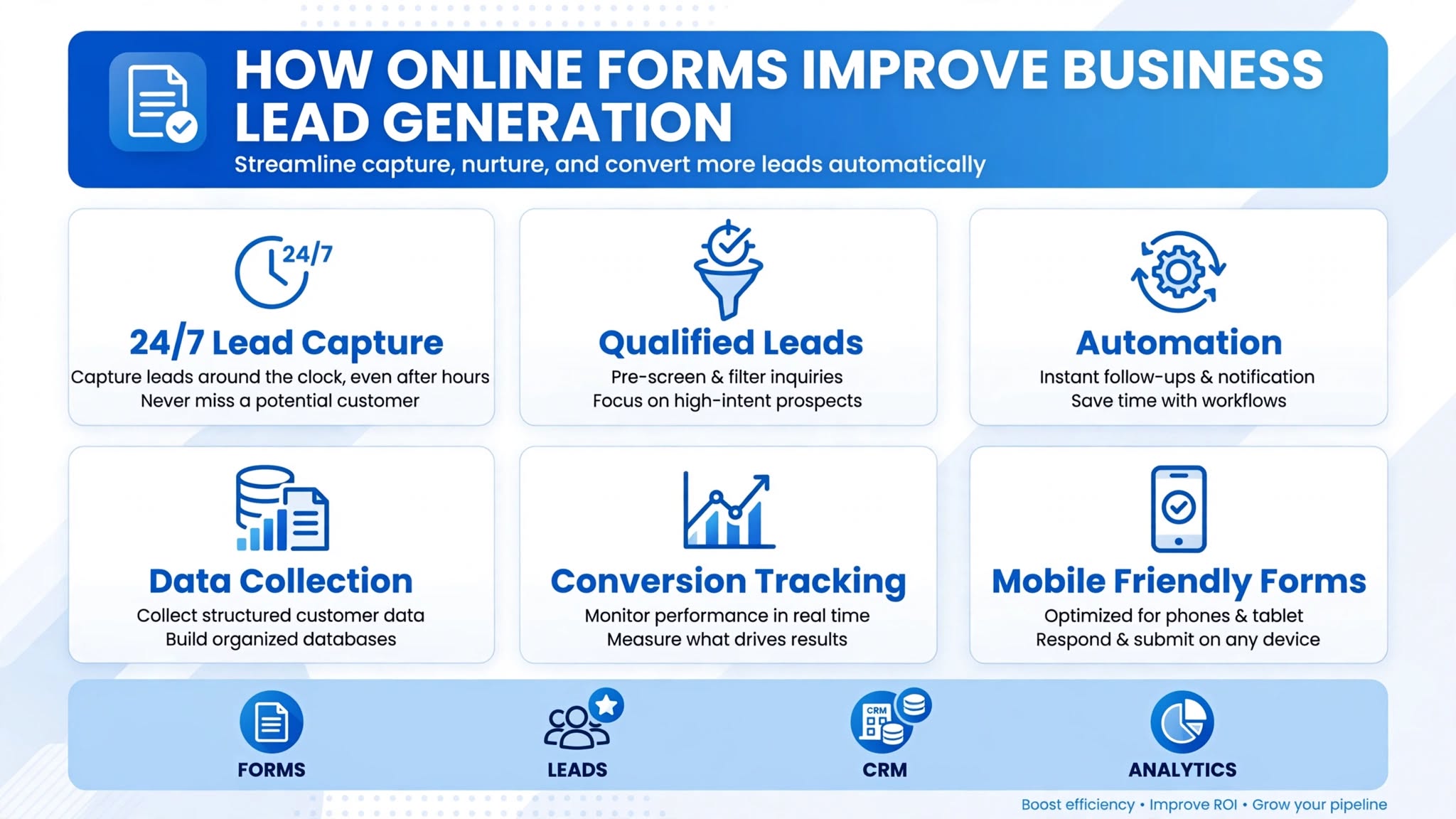
1. They Capture Leads While You Sleep
Your business closes at 5 PM. Your website doesn’t. A well-placed online form captures leads 24/7 — from someone browsing at 11 PM looking for a quote. Without a form, that visitor is gone forever. With a form, they’re in your CRM ready for follow-up in the morning.
2. They Qualify Leads Automatically
Not all leads are good leads. Smart forms do the qualifying for you. By asking strategic questions like “What service do you need?”, “What is your budget range?”, or “When do you need this done?”, you can instantly filter out tire-kickers and prioritize high-value prospects.
3. They Give You Data to Personalize Sales
A phone call tells you a little. A smart form tells you a lot. When a lead tells you their zip code, project type, timeline, and budget before you talk to them, your sales team can have a personalized, powerful conversation that closes faster.
How to Optimize Your Forms to Capture More Qualified Leads
1. Keep It Short, Then Smart
The #1 rule: shorter forms convert better. For a high-converting Online Forms Minneapolis strategy, we start with 3-4 fields only: Name, Phone, Email, Service Needed. Every extra field can drop conversions by up to 11%. Use multi-step forms if you need more info — ask easy questions first, detailed questions second.
2. Place Forms Where Buying Intent Is Highest
Don’t just have one form on your Contact page. Place quote forms:
Above the fold on your homepage
At the end of every service page
Next to testimonials and case studies
As a sticky slide-in or pop-up with an offer
3. Use Benefit-Driven Call-to-Action Copy
Stop using “Submit.” It’s boring and creates anxiety. Use language that emphasizes value:
“Get My Free Quote”
“Claim My Free Consultation”
“Send My Custom Estimate”
Add reassuring micro-copy underneath: “No spam. No obligation. Response in 15 minutes.”
4. Make It Mobile-Perfect and Fast
Over 65% of form fills in local business come from mobile. If your form requires pinching, zooming, or typing too much, they will abandon it. Use large fields, auto-complete, and tap-friendly buttons.
Your forms should be your hardest-working employees.
Is your website capturing every possible lead, or letting them slip away?
Call Today for Free Consultation! 260-220-9000