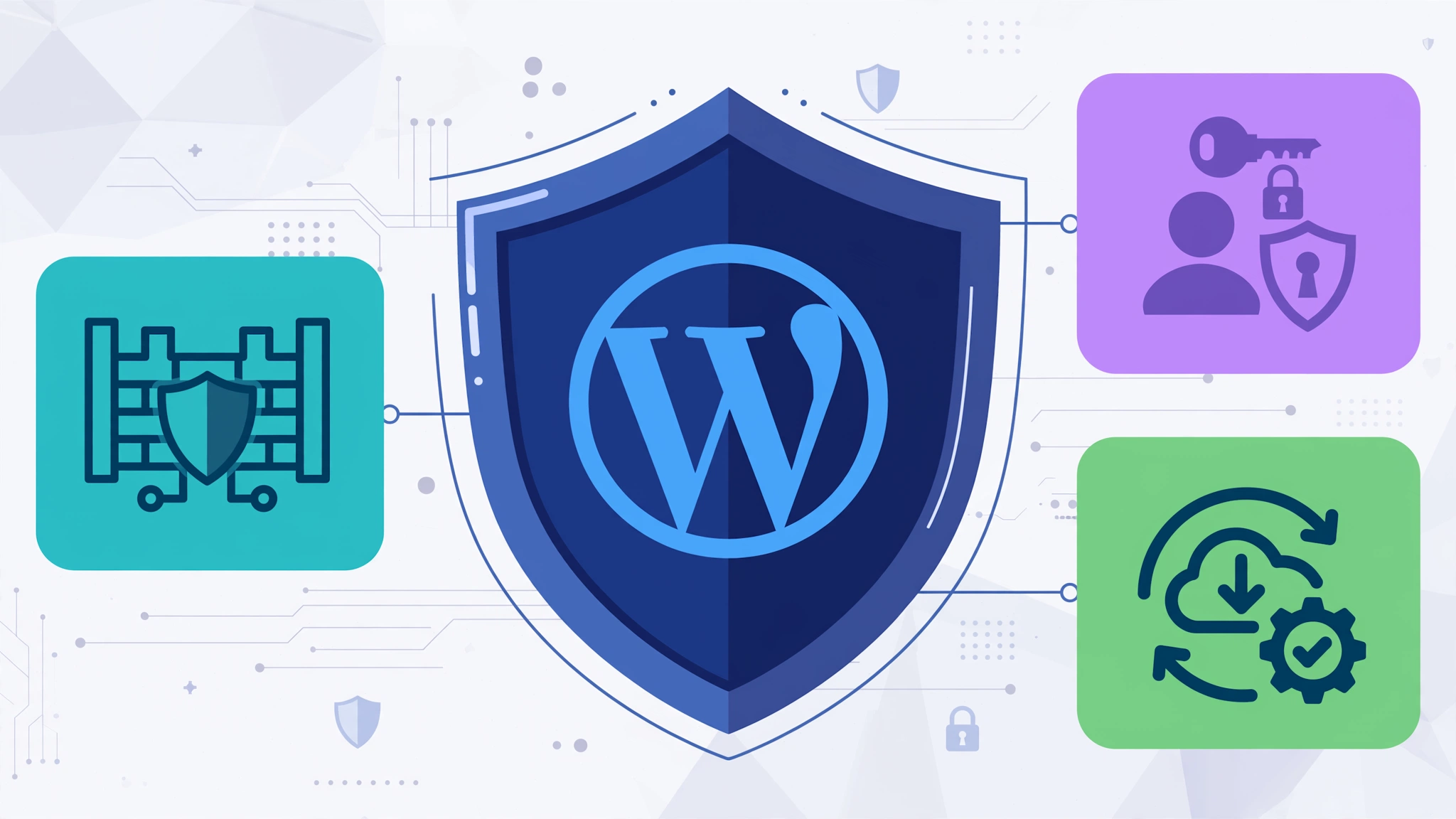
WordPress powers over 43% of all websites on the internet — which is exactly why it’s the #1 target for hackers. If your Minneapolis business runs on WordPress, security cannot be an afterthought.
A hacked WordPress site can lead to stolen customer data, Google blacklisting, spam redirects, and lost revenue. The good news? Most attacks are preventable with the right practices.
At Optimum Design Technology, your trusted web design company in Roseville, MN, we build and maintain secure, high-performance WordPress websites for businesses across Minneapolis. Here are our essential WordPress security tips.
1. Keep WordPress Core, Themes, and Plugins Updated
Over 60% of WordPress hacks happen due to outdated software. Developers constantly release security patches. Enable automatic updates for minor releases and check weekly for theme and plugin updates. Delete any themes or plugins you are not actively using — they are potential backdoors.
2. Use Strong Admin Credentials and 2FA
Never use “admin” as your username. Create a unique admin username with a strong password of 16+ characters using letters, numbers, and symbols. Most importantly, enable Two-Factor Authentication (2FA). This one step blocks 99% of brute-force attacks.
3. Install a WordPress Security Plugin and Firewall
A security plugin like Wordfence or Sucuri adds a Web Application Firewall (WAF) that blocks malicious traffic before it reaches your site. It also provides malware scanning, login attempt limiting, and real-time threat monitoring.
4. Change Your Login URL and Limit Login Attempts
By default, WordPress login is at /wp-admin — hackers know this. Change it to a custom URL like /my-secure-login. Then, limit failed login attempts to 3-5 tries to stop bots from guessing passwords.
5. Install an SSL Certificate (HTTPS)
An SSL certificate encrypts data between your visitors and your server. Google flags non-HTTPS sites as “Not Secure,” hurting trust and SEO. For WordPress security in Minneapolis, HTTPS is mandatory.
6. Implement Automated Daily Backups
Even secure sites can be compromised. Automated daily off-site backups ensure you can restore a clean version of your site in minutes. Store backups in a separate location from your hosting server — not just in your hosting account.
7. Choose Secure WordPress Hosting
Cheap shared hosting is a major security risk. One hacked site on the server can infect yours. Use managed WordPress hosting with built-in malware scanning, DDoS protection, server-level firewalls, and 24/7 monitoring.
8. Remove Nulled Themes and Untrusted Plugins
Never use pirated or “nulled” premium themes. They almost always contain hidden malware and backdoors. Only install plugins from the official WordPress repository or trusted developers with regular updates and high ratings.
WordPress security is not a one-time task — it’s ongoing maintenance. A secure WordPress site protects your customers, preserves your Google rankings, and keeps your business running.
Worried your WordPress site is vulnerable?
Call Today for Free Consultation! 260-220-9000
Contact our WordPress security experts in Minneapolis at info@optimumdesigntech.com or visit https://www.optimumdesigntech.com/ for a free WordPress security audit today.