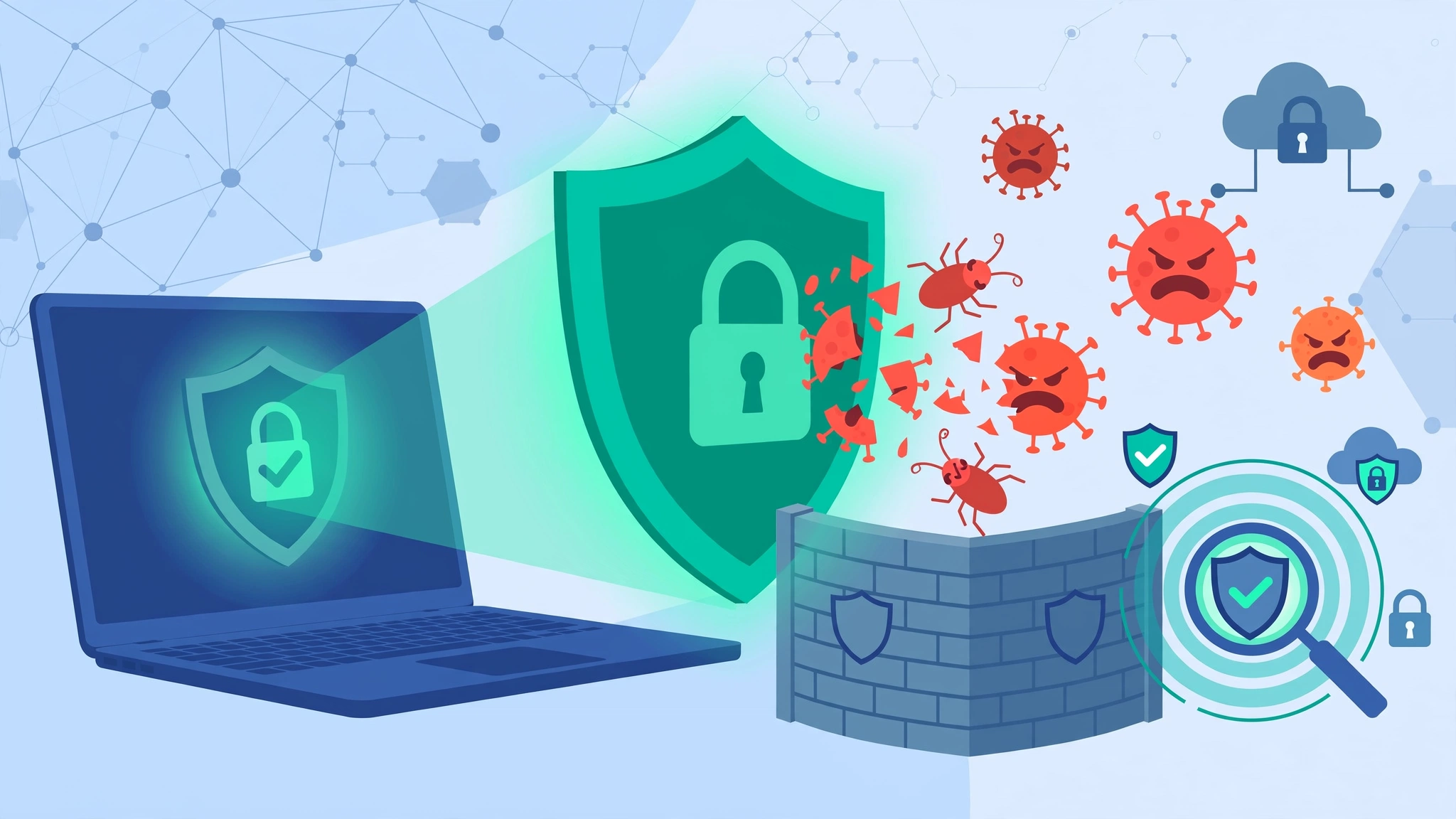
Imagine waking up to find your business website redirecting customers to spam sites, stealing their data, or blacklisted by Google. This is the reality of a malware attack — and it happens to thousands of Minneapolis businesses every day.
Malware doesn’t just target large corporations. Small and medium business websites are the primary target because they often lack strong security. At Optimum Design Technology, a leading web design and hosting company in Roseville, MN, we specialize in proactive website malware protection in Minneapolis.
Here is how you can prevent malware attacks before they destroy your reputation and revenue.
1. Keep Your Website Software Updated
Outdated CMS platforms like WordPress, Joomla, and Drupal are the #1 cause of malware infections. Hackers actively scan for old versions. Update your core files, themes, and plugins as soon as patches are released. Enable automatic updates or partner with a maintenance team that handles it for you.
2. Use a Web Application Firewall (WAF)
A WAF acts as a shield between your website and the internet. It filters out malicious traffic, blocks common attacks like SQL injection and cross-site scripting (XSS), and stops bots before they can inject malware.
3. Enforce Strong Passwords and Limit Login Attempts
Brute force attacks use bots to guess your admin password. Use strong, unique passwords with 12+ characters, implement Two-Factor Authentication (2FA), and limit failed login attempts. Also, change your default login URL from /wp-admin to a custom path.
4. Install Daily Malware Scanning and Removal Tools
You can’t prevent what you can’t detect. A daily malware scanner automatically scans your files and database for malicious code, suspicious changes, and backdoors, alerting you instantly so you can act before Google blacklists you.
5. Install an SSL Certificate and Secure Hosting
An SSL certificate (HTTPS) encrypts data and prevents code injection during transit. Equally important is secure, managed web hosting. Cheap, shared hosting with poor security puts you at risk from other compromised sites on the same server.
6. Follow the Principle of Least Privilege
Don’t give everyone admin access. Only give users the permissions they need to do their job. Remove old user accounts and avoid using pirated themes or plugins — they often contain hidden malware.
7. Maintain Automated Off-Site Backups
If malware does slip through, a clean backup is your fastest recovery option. Ensure you have automated daily backups stored in a secure, off-site location, so you can restore your site in minutes, not days.
Malware attacks lead to SEO penalties, browser warnings, and loss of customer trust that can take months to rebuild. Prevention is always cheaper and safer than cleanup.
Is your website vulnerable? Let our Minneapolis security experts audit your site today.
Call Today for Free Consultation! 260-220-9000
Email us at info@optimumdesigntech.com or visit https://www.optimumdesigntech.com/ for complete website malware protection and removal services.