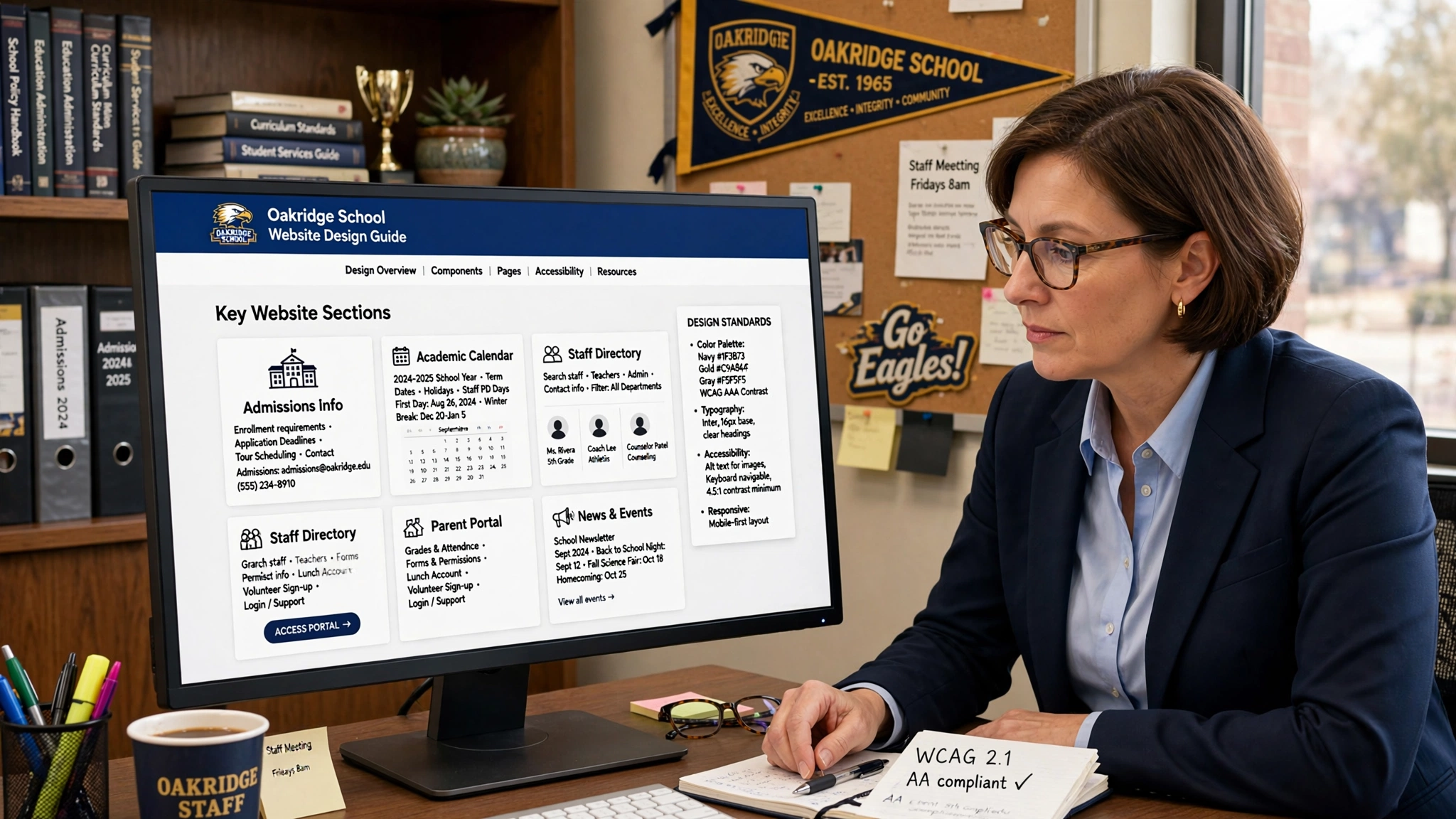
School Website Design Guide: Boost Communication & Enrollment in Minneapolis
For schools in Minneapolis, your website is your campus tour, front office, and open house — all in one. Prospective parents in Edina comparing private schools, families in St. Paul researching charter options, and current parents checking lunch menus all judge your school by your site. A strategic school website builds trust, streamlines communication, and drives enrollment.
Here’s how to create an educational website that improves communication and student enrollment.
1. Design for Three Audiences: Prospective Families, Current Parents, and Students
A school site fails when it only serves one group. Great sites make every visitor’s task easy.
Clear Paths on Homepage: Use tiles or buttons for “Prospective Families,” “Current Families,” and “Students & Staff.” Each leads to tailored content. A parent shouldn’t hunt for the enrollment form, and a student shouldn’t dig for Google Classroom links.
Prospective Family Section: Feature “Why Choose Us,” virtual tour video, academics overview, tuition/aid, and “Schedule a Tour” CTA above the fold. Show real Minneapolis students learning, not stock photos.
Current Family Hub: Calendar, lunch menus, newsletters, forms, and parent portal login all in one place. Name it “Parent Resources” and link it in the main menu.
2. Make Enrollment Effortless
You lose families when enrollment is confusing. Your website should walk them through it.
“Apply Now” + “Schedule Tour” Always Visible: Sticky buttons on mobile and desktop. Link to an inquiry form that captures name, grade, and contact info in 30 seconds.
Step-by-Step Admissions Page: Outline the process: 1. Inquire, 2. Tour, 3. Apply, 4. Assessment, 5. Decision. Add timeline, deadlines, and required documents. “Rolling admissions” or “Open Enrollment for 2026–2027 in Minneapolis” should be prominent.
Tuition + Financial Aid Transparency: Parents bounce when costs are hidden. Provide tuition ranges, payment plans, and scholarship info. “90% of families receive aid” builds confidence.
Virtual Tour + Testimonials: 2-minute video walkthrough of classrooms, gym, and playground. Add parent quotes: “We chose this school in South Minneapolis for the community and academics.”
3. Streamline Communication for Current Families
Happy parents refer other parents. A site that reduces calls to the office improves satisfaction and retention.
Unified Calendar: Academic dates, events, early dismissals, and athletics all in one filterable calendar with iCal/Google sync. “No School – MEA Weekend” should be obvious.
News + Announcements Feed: Post weekly updates, snow day alerts, and photos from field trips. Archive them so new families see an active school.
Staff Directory with Photos: Grade-level teachers, principal, nurse, and front office with emails. “Contact Ms. Johnson, 3rd Grade” beats a generic info@ email.
Forms + Links Library: Permission slips, health forms, and lunch ordering in one spot. Parents will bookmark it.
4. Showcase Academics, Arts, Athletics, and Culture
Families enroll for fit, not just test scores. Show what makes your school unique.
Academics Pages by Division: Preschool, Lower, Middle, High. Highlight curriculum, class sizes, and student-teacher ratio. Add “Signature Programs” like STEM lab, Spanish immersion, or arts in Minneapolis.
Student Life Galleries: Photos of science fairs, choir concerts at Orchestra Hall, service projects in North Minneapolis, and championship games. Update quarterly.
Outcomes + Alumni: College acceptances, ACT averages, or alumni stories. “100% graduation rate, 98% college-bound” matters to parents.
5. Local SEO: Be Found by Minneapolis Families
Most school searches start with “best schools near me” or “private school Minneapolis.”
Google Business Profile: Category: “School,” “Private School,” or “Charter School.” Add photos, Q&A, and posts about open houses. Respond to reviews from parents.
Location + Program Pages: “Private School Minneapolis,” “STEM School St. Louis Park,” “Montessori Twin Cities.” Include neighborhood references and transportation info.
Schema Markup: Use School, Event, and FAQ schema. This helps Google show open house dates and ratings directly in search.
Blog for SEO + Community: “How to Choose an Elementary School in Minneapolis” or “Tips for Middle School Transition” ranks for research-phase parents and positions you as helpful.
6. Mobile-First, Fast, and Accessible
Parents are checking your site from carpool line.
Load Under 2 Seconds: Compress photos of your Minneapolis campus. Slow sites hurt enrollment and SEO.
ADA Compliant: Alt text, captions, and readable fonts help all families and reduce liability.
Translate Button: Minneapolis is diverse. Offer Spanish, Somali, and Hmong translation for equity and enrollment.
The Bottom Line for Minneapolis Schools
A great school website acts like your admissions director and communications office combined. It answers parent questions at 10 PM, shows your community in action, and makes applying simple. It turns “schools near me” searches into tours and tours into enrolled students.
At Optimum Design Tech, we design school websites for Minneapolis K-12 schools that load fast, communicate clearly, and increase enrollment. Because your mission deserves a website that works as hard as your teachers.
Ready to enroll more families? Contact Optimum Design Tech for a school website built for growth and community.