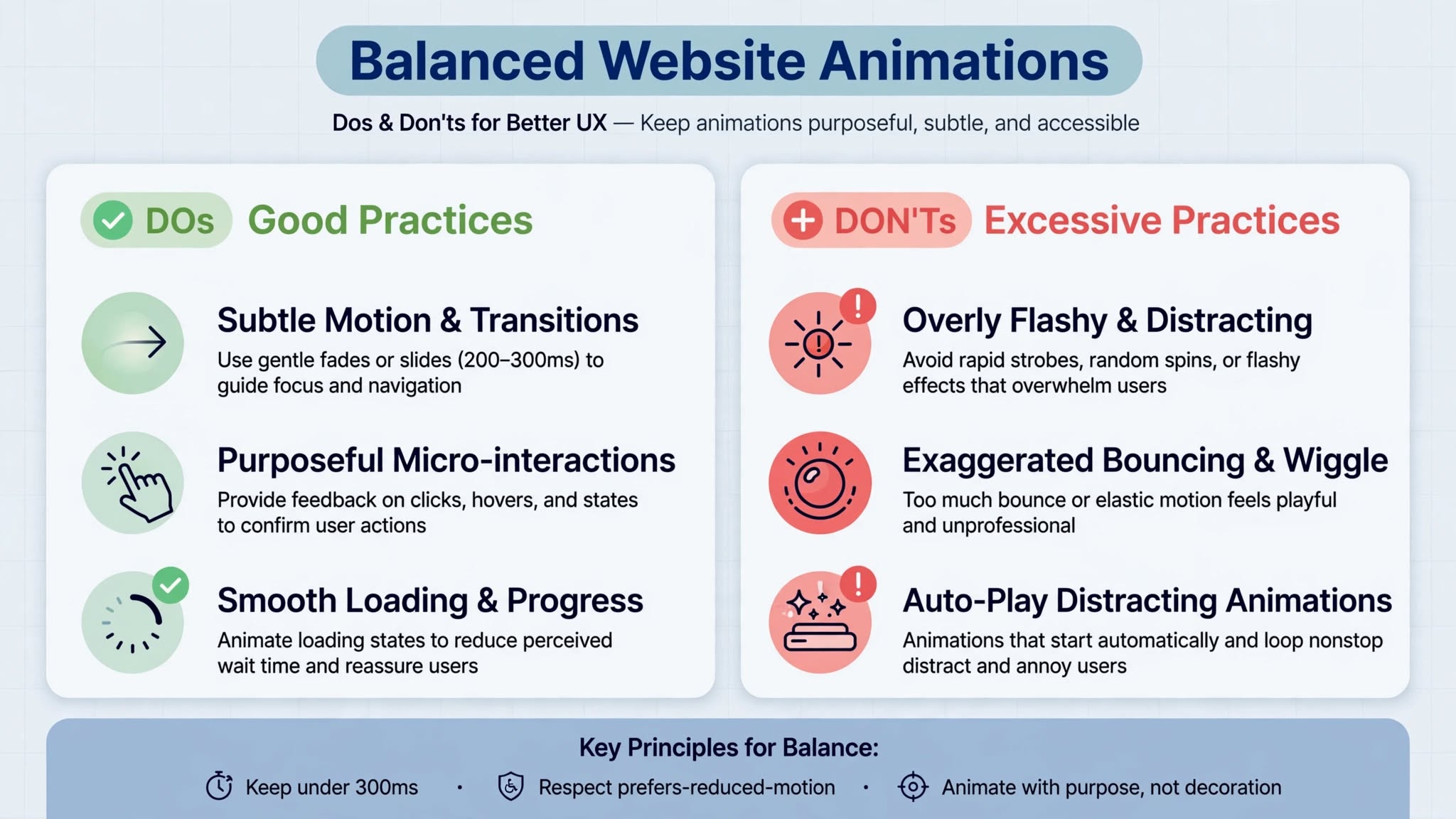
Animations can bring a website to life — but too much motion can quickly kill the user experience. At Optimum Design Tech, we’ve audited countless websites in Minneapolis where well-intentioned animations ended up driving visitors away instead of engaging them. Knowing when animations become too much is crucial for protecting usability, performance, and conversions.
Here’s how to spot when your website has crossed the line.
1. When It Slows Down Your Website
This is the biggest red flag. If your animations are causing your site to lag, stutter, or take more than 3 seconds to load, they are too much. Heavy JavaScript libraries, large animated GIFs, and unoptimized Lottie files hurt your Core Web Vitals, damage your Google rankings, and frustrate users. In Minneapolis, where mobile searches dominate, a slow animated site will lose customers to a faster competitor. If performance suffers, the animation must go.
2. When It Distracts From Your Core Message
Your website has one job: to communicate your value and drive action. If a visitor is watching bouncing icons, spinning logos, and flashing banners instead of reading your headline and clicking your call-to-action, your animations are competing with your business goals. Purposeful motion should guide users to your message, not pull them away from it. If an animation doesn’t serve a clear function, it’s just noise.
3. When It Causes Motion Sickness and Frustration
Excessive parallax scrolling, constant auto-playing sliders, elements that fly in from every direction, and infinite looping backgrounds can be physically uncomfortable. For users with vestibular disorders, it can cause dizziness and nausea. For everyone else, it’s just annoying. It also violates accessibility best practices. A good user experience should feel calm and controlled, not chaotic. Always respect the user’s prefers-reduced-motion setting.
4. When It Breaks Usability on Mobile
What looks cool on a desktop can be a nightmare on mobile. Over-the-top animations often break on smaller screens, cover important content, make buttons hard to tap, or drain a phone’s battery. With over 60% of traffic coming from mobile devices, if your animations don’t work flawlessly on a phone, they are hurting your website UX and costing you leads.
The Right Balance for Website UX in Minneapolis
At Optimum Design Tech, we follow a simple rule: animate with intention.
Keep it subtle and fast (under 300ms)
Use animation to provide feedback, not to show off
One primary animation per viewport is enough
Always optimize for speed and mobile
Effective website UX is about clarity, speed, and ease of use. Animation should enhance those things — never compromise them.
Need an expert to audit your website’s UX and performance?
Call Today for Free Consultation! 260-220-9000